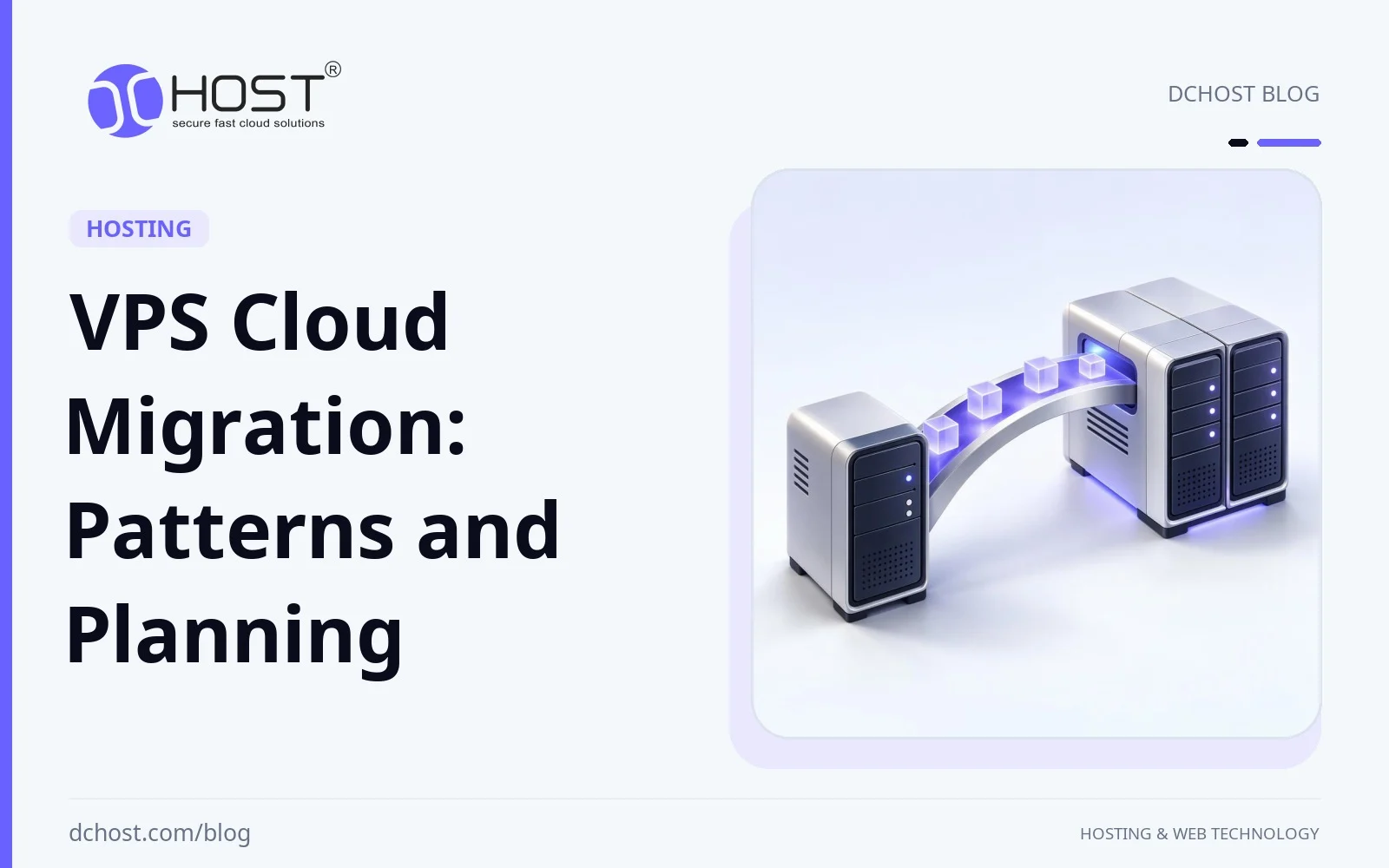
VPS cloud migration can be more than a one-time infrastructure project; it can form part of an ongoing strategy. Teams are regularly reviewing what runs where, which workloads stay on-premise, which move to virtual private servers (VPS), and which parts benefit from cloud-style elasticity. Possible migration scenarios include small e‑commerce sites leaving aging shared hosting, SaaS products splitting monolithic servers into multiple VPS nodes, and enterprises exiting old data centers while keeping tight control of cost and compliance. In all of these, the questions are similar: how do we move safely, avoid downtime, and make sure the new setup is worth the effort?
This article walks through the main VPS cloud migration patterns, the technical patterns behind them, and how to plan a migration that is both modern and low-drama. Whether you are moving from shared hosting, from an older VPS, or from your own hardware, you will see recurring themes: automation, minimal-downtime cutovers, better observability, and more granular cost control. We will also outline a migration playbook you can adapt for your next move.
Why Teams Consider VPS Cloud Migration
Several factors can motivate a move toward VPS-based cloud architectures:
- Pressure to modernise: Legacy PHP or .NET apps running on end-of-life operating systems and panels are increasingly hard to maintain and secure.
- Unpredictable traffic: Marketing campaigns, seasonality, or sudden product-market fit demand infrastructure that can scale up or down without buying new hardware.
- Cost visibility: Businesses want clear, predictable monthly costs instead of large, infrequent hardware purchases and surprise maintenance bills.
- Security and compliance: Laws such as KVKK and GDPR, and standards such as PCI DSS, shape requirements for data handling and security controls. Evaluate hosting location, access controls, logging, and resilience against the obligations that apply; professionally hosted infrastructure alone does not establish compliance.
- Developer expectations: Teams are adopting CI/CD, containers, and infrastructure as code, and they need an environment that supports these workflows instead of fighting them.
VPS can strike a balance between control and flexibility. Verify the chosen plan’s resource guarantees, root access, resizing options, snapshots, and automation interfaces rather than assuming every VPS includes them. That is why many migrations do not jump directly to highly complex distributed systems. They first consolidate onto a solid VPS foundation, then evolve from there.
Key VPS Migration Patterns
One of the most common journeys is from shared hosting to a VPS. This typically happens when:
- Resource limits (CPU, RAM, I/O) start throttling a growing site.
- Background workers, queues, or schedulers are needed but not supported on shared hosting.
- Security isolation becomes more important (e.g. handling payments or sensitive customer data).
If you are in this situation, we strongly recommend reading our detailed guide on moving from shared hosting to a VPS without downtime. Useful building blocks include keeping old and new environments in sync, planning for DNS cache expiry, and rehearsing cutovers.
An incremental approach is to move first to a well-sized VPS rather than a huge cluster, establish the required administrative control, set up proper backups and monitoring, and only then consider further splitting by roles (web, database, cache, queue, etc.).
From Single VPS to Clustered or Hybrid Architectures
The second big pattern is “one VPS is no longer enough”. This appears when:
- The database starts contending with application processes for CPU and disk I/O.
- Maintenance on a single instance means full downtime for the app.
- Multiple teams need separate environments (staging, pre‑prod, canary) without interfering.
Here, migration can mean decomposing a single VPS into several VPS instances with clear roles. Role separation alone does not remove single points of failure; availability also requires redundancy and failover for critical components:
- One or more application VPS nodes (e.g. Nginx + PHP-FPM / Node.js / Laravel / WordPress).
- Dedicated database VPS (MySQL, MariaDB, PostgreSQL) with tuned storage and backups.
- Optional cache/search VPS for Redis, Elasticsearch/OpenSearch, or queue workers.
- Load balancer or reverse proxy layer handling TLS, HTTP/2, and HTTP/3.
Before adding web nodes, plan traffic distribution and health checks. Make server-side session and cart state accessible regardless of which node receives a request; for Laravel, evaluate shared database or Redis session storage against the installed version and configuration. Check WordPress/WooCommerce plugins for local-file and session dependencies. Uploaded files must be accessible from every web node through compatible shared storage or object-storage integration. Deploy application code, themes, plugins and configuration consistently, and test sessions, carts and uploads in staging. A single database, load balancer or shared-storage service can still be a single point of failure; design and test redundancy and failover where required. Backups do not replace that design.
Our article on best hosting architecture for small SaaS apps dives deeply into single VPS vs multi‑VPS trade-offs. An incremental route is to split out the database first, then introduce cache, then consider load balancing, guided by measured bottlenecks and availability needs.
From On‑Premise Servers to Hosted VPS and Colocation
Another migration path is moving from self-run hardware in an office or small data room to professionally hosted VPS and colocation. Reasons include:
- Rising power and cooling costs, plus reliability issues in non‑data‑center buildings.
- Difficulty maintaining physical security and 24/7 access.
- Need for geographically redundant sites without opening new offices.
In these scenarios, teams often use a mix:
- Colocation for specialised hardware or storage appliances.
- VPS for web/app layers, API gateways, and microservices.
- Dedicated servers for heavy databases or analytics workloads.
If you are evaluating this path, our article on the benefits of hosting your own server with colocation services explains where colocation makes sense and how it pairs with VPS instances in a modern architecture.
Technical Trends Shaping VPS Cloud Migrations
Automation and Infrastructure as Code
An alternative to manual, one-off server setups is to treat infrastructure configuration like application code. Verify the chosen provider’s API, infrastructure-tool integration and initialisation support before selecting the automation workflow:
- Using tools such as Ansible or similar to define server roles (web, db, cache).
- Describing VPS instances, networks, and DNS records in declarative templates.
- Version-controlling these definitions, peer-reviewing them, and deploying via CI/CD.
This approach has a huge impact on migration. Instead of “moving a snowflake server”, you:
- Define the desired target state (number of VPS, OS images, installed packages, firewall, users).
- Rebuild that same state reliably in staging, pre‑prod, and production.
- Use Git history to recover previous configuration definitions, then apply and validate a tested rollback procedure. Reverting a commit alone does not restore running systems or undo database and storage changes.
We covered this philosophy in detail in our guide on using cloud-init and Ansible for reproducible VPS setups. The same pattern makes VPS cloud migrations safer, because you can recreate a known-good environment instead of wrestling with inconsistent manual changes.
Containerisation and Orchestrated Workloads on VPS
Another visible trend is running containers on top of VPS infrastructure. Instead of installing everything directly on the OS, teams:
- Use Docker or container runtimes to package applications and dependencies.
- Run multiple isolated services on the same VPS while keeping clean deployment boundaries.
- Consider lightweight Kubernetes (such as K3s-style stacks) on small VPS clusters for orchestration. Higher availability depends on redundant control-plane and application components, suitable data replication, and failure-domain separation—not simply installing an orchestrator.
In migration projects, this often appears as “phase two”: first, move from legacy hosting to a clean VPS; second, introduce containerisation for easier deploys and scaling. Our article on containerisation trends in VPS technology explains how this layering works in practice and how to know when you are ready for it.
Networking: IPv6, Private Networks and Zero Trust
Networking is also evolving fast in VPS migrations:
- IPv6: VPS deployments can use dual-stack (IPv4 + IPv6) or, where client and dependency connectivity permits, IPv6‑only networking with suitable translation layers. Our various guides on rising IPv6 adoption rates show why planning IPv6 at migration time saves future effort.
- Private VLANs and overlay networks: Application and database VPS communicate over private networks rather than the public internet, reducing attack surface.
- Zero‑trust access: VPNs, identity-aware proxies, or mTLS-protected control planes can restrict administrative access instead of exposing SSH or admin ports to the world. A private access path alone is not zero trust: access should also require explicit authentication and least-privilege authorisation rather than trust based solely on network location.
When designing a migration, it is wise to treat network layout as a first-class concern: which services are public, which stay private, and how admins reach them securely.
Storage, Backups and Disaster Recovery
Migrations are a natural time to review backups. Options to consider include:
- Snapshot-based backups for fast rollback at the VPS or volume level.
- Application-aware backups for databases (MySQL, MariaDB, PostgreSQL), with the transaction logs and restore procedures needed for point-in-time recovery.
- Remote, S3-compatible storage for offsite backup copies, with immutable retention where supported and configured to help protect against ransomware.
Our articles on designing a backup strategy with RPO/RTO in mind and the 3‑2‑1 backup strategy can serve as planning references during VPS cloud migrations. Include backups, restore tests, and disaster recovery in the project scope, not as an afterthought.
Migration Strategies That Actually Work
Rehost (Lift-and-Shift) to VPS
The simplest strategy is a direct rehost: move the application with minimal code changes and keep the architecture mostly the same. This is useful when:
- You are under time pressure to leave an old provider or aging hardware.
- The application is stable and does not need immediate refactoring.
- You first want to stabilise infrastructure before touching the code.
For example, a control-panel-hosted application can be rehosted on a new VPS. Account transfers depend on source and target panel compatibility; rsync can help copy files, but databases need a consistent backup or replication workflow. Our guide on zero‑downtime migration between Plesk and cPanel walks through exactly this pattern, including DNS, email, and SSL considerations.
Replatform and Partial Refactor
Replatforming means moving to a new underlying platform while making limited, targeted changes to the application. Common changes include:
- Upgrading PHP or Node.js versions.
- Switching from Apache to Nginx or a LiteSpeed-compatible stack.
- Introducing Redis for object caching or sessions.
- Separating the database to its own VPS with tuned configuration.
Because you are changing more than just the hosting environment, this strategy demands better test coverage, staging environments, and detailed runbooks. The potential payoff is addressing identified performance bottlenecks and security issues, rather than simply moving them to a new server; validation must confirm whether the changes help.
Split by Service: Database, Cache, Search and Queues
More advanced migrations involve decomposing a monolithic stack into separately scalable services:
- Database moves to a dedicated VPS with NVMe storage and tuned InnoDB/PostgreSQL settings.
- Redis/Memcached get their own small VPS optimised for RAM and low-latency network.
- Search (Elasticsearch/OpenSearch) runs on a CPU/IO-optimised VPS, separated from web traffic.
- Background workers and queues run on separate nodes to avoid competing with front-end traffic.
This “split by concern” approach can suit WooCommerce, Laravel, and custom SaaS workloads where predictable performance under load matters. Capacity planning for WooCommerce, MySQL and Redis/Caching can help size each role on its own VPS during migration.
Designing for Minimal‑Downtime VPS Cloud Migrations
DNS, TTLs and Smart Cutover Plans
For migrations targeting zero or near-zero downtime, DNS time-to-live (TTL) tuning can help shorten the cutover period, but it does not by itself ensure uninterrupted service:
- Lower TTLs at least one existing TTL period before cutover so previously cached records can expire; lower TTLs shorten subsequent cache lifetimes rather than making the change instantaneous.
- Use temporary records or subdomains for testing the new environment.
- Plan a cutover window based on real DNS cache behaviour, not guesswork.
We recommend our dedicated guide on TTL strategies for zero‑downtime migrations as a companion to any VPS cloud move. The same techniques apply whether you move one WordPress site or an entire multi‑service SaaS platform.
Data Synchronisation and Database Migrations
The database is often the hardest part of a live migration. Approaches to consider include:
- Warm-up sync: Take a consistent initial dump or snapshot using a procedure that records the replication starting point, restore it to the new VPS, then replicate subsequent changes.
- Final short downtime window: Freeze all application and background writes, sync the last delta, verify the target is caught up, switch application connections, then enable writes only on the target.
- Read replicas and phased cutover: Where the application tolerates replication lag, move suitable read traffic first. Move writes only after a coordinated cutover that confirms the target is caught up and prevents writes on the old database.
For MySQL/MariaDB and PostgreSQL, replication using binlogs or WAL, as appropriate to the database and replication method, can reduce the final cutover window. Assess schema changes separately from data replication. Compared with a single dump-and-restore operation, replication adds setup and monitoring complexity, so choose the approach according to downtime requirements, compatibility and rehearsal results.
Testing, Observability and Rollback
Allocate time for validation as well as the move itself. Useful practices include:
- Staging environments on VPS with production-like configuration, restricted access, sensitive production data masked, and payment, email and other external integrations placed in test mode or disabled.
- Load tests to validate that new limits (CPU, RAM, connections) behave under realistic peak traffic.
- Monitoring and logging already configured before cutover (Prometheus, Grafana, Uptime tools, centralised logs).
- Rollback plans that define triggers, the authoritative data copy, and how to preserve or reconcile writes accepted after cutover before reverting traffic. Freeze writes before reconciliation and validate application/data compatibility before reopening them only on the selected active environment. Reverting DNS alone does not roll back data, and cached DNS records can still send traffic to the other environment; keep its writes blocked or route those requests to the active environment.
After the move, it is crucial to verify that the new VPS performs as expected. Our new VPS checklist for benchmarking CPU, disk and network provides checks you can use to compare observed performance with your requirements.
Cost, Performance and Governance Trends
Right‑Sizing and FinOps Thinking
For VPS cloud migration, replace “bigger is safer” assumptions with measurable sizing decisions:
- Start with VPS sizes based on measured demand and peak-load headroom, then scale when metrics justify it.
- Separate noisy workloads into their own VPS to avoid over‑provisioning everything.
- Monitor CPU, memory, and disk utilisation over weeks, then adjust.
This mindset reflects part of FinOps: combining financial visibility with technical metrics. Treat the first 1–3 months after migration as an initial calibration period, not a final state. You collect data, see where the real bottlenecks are, then resize nodes or split services as needed instead of guessing upfront.
Security Hardening and Compliance Planning
Include security hardening in the migration plan:
- OS and package updates as an explicit migration milestone, not “later”.
- SSH hardening (keys only, limited users, firewall, Fail2ban or equivalent).
- HTTPS with modern TLS and secure cipher suites; enable HSTS after confirming HTTPS works across its intended domain scope.
- Separation of duties: production access via jump hosts or VPN, limited sudo rights, detailed logging.
Our many guides on securing a VPS server and HTTP security headers can serve as hardening references before and after migration. Where applicable, align the project with PCI DSS requirements and KVKK/GDPR obligations, including logging, audit trails, and data retention. These technical measures support compliance work but do not establish compliance on their own.
Sustainability and Location Choices
Sustainability and data sovereignty also belong in destination planning:
- Choosing VPS regions after assessing applicable data protection and cross-border transfer requirements (e.g. KVKK or GDPR), while keeping latency low for users; location alone does not establish compliance.
- Preferring data centers with energy-efficient cooling and power usage, both for cost and environmental reasons.
- Reducing hardware sprawl by consolidating under‑utilised servers into fewer, more efficient VPS instances.
We have written extensively about data center sustainability initiatives that actually make a difference. VPS cloud migration can benefit from these improvements without a full application redesign, but any sustainability gain depends on the source and destination infrastructure and how efficiently resources are used.
A Four-Stage Approach to VPS Cloud Migration
A migration plan can be organised into four streams: discovery, design, execution and stabilisation.
- Discovery: Map your current environment: domains, DNS, SSL, databases, cron jobs, queues, email flows, traffic patterns, and any third-party integrations. Also review compliance, backups, and performance pain points.
- Design: Based on your goals (cost, performance, availability, security), choose a target architecture using VPS instances, dedicated servers or colocation, subject to availability and requirements in the chosen data center region. Include sizing, network layout, backup strategy, and a rollback path in the plan.
- Execution: Build the new environment using automated tooling where practical, sync data, rehearse cutovers, then perform the live migration within the agreed downtime budget. Whether zero or near-zero downtime is feasible depends on the application and data-synchronisation design. Plan and validate DNS and SSL changes as part of the cutover.
- Stabilisation: After cutover, monitor performance, fix any regressions, and fine‑tune resource allocations. Compare the new VPS setup against the baseline and the migration’s agreed goals.
Related reading includes our article on VPS and cloud hosting innovations you should be planning for now and the one on VPS cloud integration trends. These articles discuss options to evaluate for a migration: hybrid setups, S3-compatible storage, smarter caching, and observability stacks.
In practice, no two migrations are identical, but the building blocks repeat: structured discovery, realistic testing, DNS and database strategies that respect how the internet actually works, and a clear rollback plan. These practices help make VPS cloud migration a controlled change in your infrastructure lifecycle rather than an improvised one‑off event.
As you plan your own migration, decide what you really want to fix: performance, reliability, security, cost clarity, or all of the above. Then design your move so it directly addresses those goals, not just “moving for the sake of moving”. If you involve infrastructure specialists, define who is responsible for architecture, migration execution, testing and monitoring before cutover. Early review can help identify constraints and avoid dead ends.