Slow-loading websites can frustrate visitors, but storage is only one factor affecting page speed. SSD hosting can help when reading or writing website data is a bottleneck. This guide explains how it works, how it compares with HDD hosting, and what to consider before choosing it.
What is SSD Hosting?
SSD hosting uses solid-state drives (SSDs) to store website files and, depending on the hosting setup, databases. Unlike hard disk drives (HDDs), SSDs have no moving parts. They generally offer lower access latency and faster random reads and writes, which can help applications that frequently access stored data. SSD describes the storage technology, not how much CPU, memory, or bandwidth a hosting plan provides.
Differences Between HDD and SSD
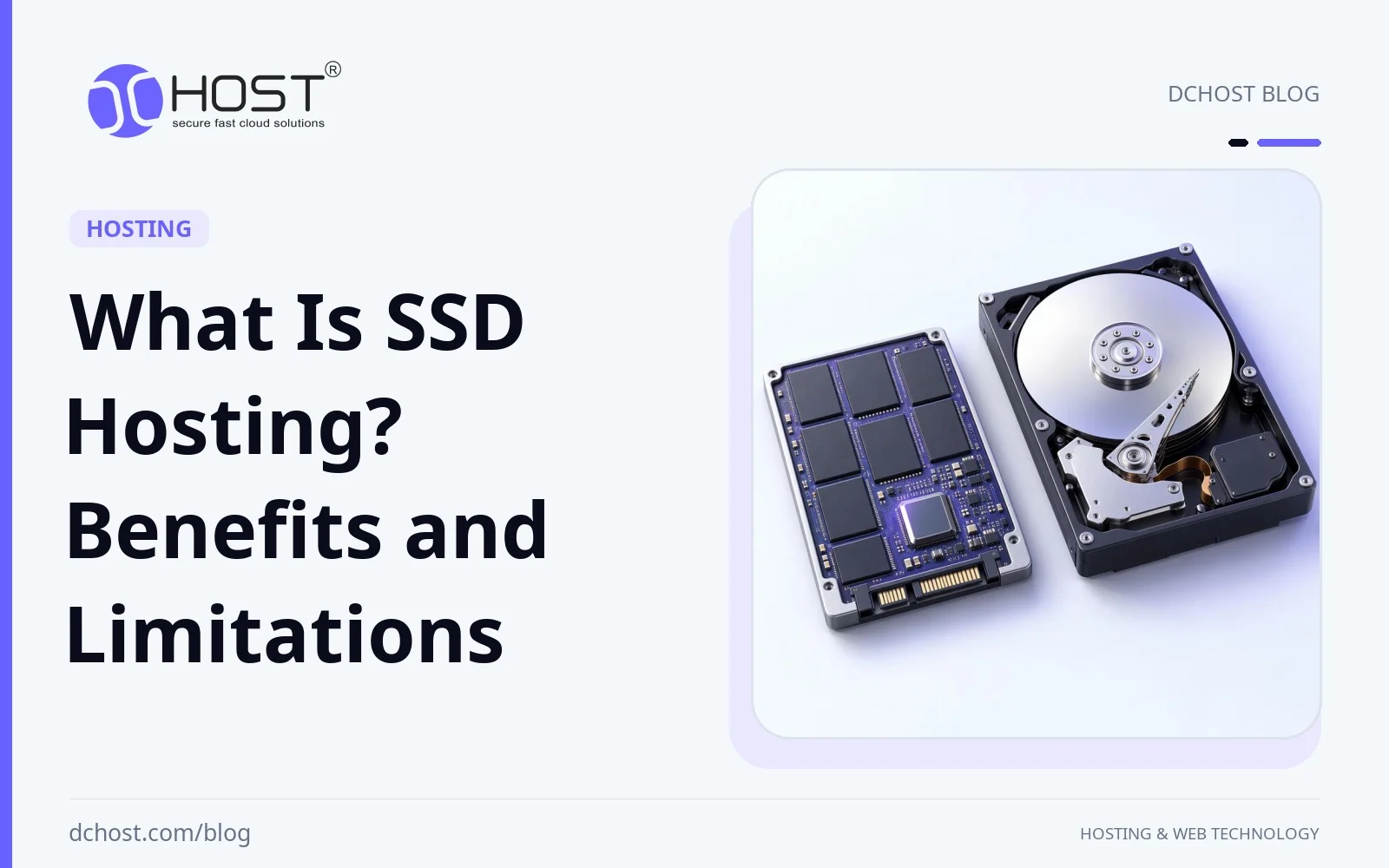
HDDs store data on rotating magnetic platters and use moving read/write heads to access it. Mechanical positioning adds delays, especially when accessing many small files or scattered database records. SSDs access flash memory electronically, avoiding those mechanical delays. Their lack of moving parts improves shock resistance, but does not make them immune to failure.
Key advantages of SSDs include:
- Faster Storage Access: SSDs can reduce page-generation time when file or database access is a bottleneck.
- Resistance to Mechanical Damage: With no moving parts, SSDs are less vulnerable to shocks and vibration than HDDs.
- Potential Energy Savings: SSDs can use less energy for a given workload, though savings depend on the drives and their usage.
Why Should You Choose SSD Hosting?
SSD hosting is worth considering for sites that frequently read files, query databases, or write data. Its value depends on the workload and the rest of the hosting environment. The following benefits explain where it can help and where storage alone is not enough:
1. Faster Websites
Faster pages can make browsing more comfortable and reduce frustration. SSDs can shorten storage waits during page generation, particularly for database-driven sites with frequent small reads and writes. However, a site limited by CPU, slow application code, large images, or network latency may see little improvement from changing storage alone. Compare server response times and full-page loading times under similar conditions to assess the benefit.
2. Potential SEO Benefits Through Performance
Google’s ranking systems use Core Web Vitals, which measure aspects of real-world loading performance, responsiveness, and visual stability. SSD hosting may help loading performance if storage delays affect server responses, but the drive type itself is not a ranking factor. Faster storage does not guarantee better rankings; content relevance and other signals still matter.
3. No Moving Mechanical Parts
SSDs avoid failures caused by moving read/write heads or spindle motors, but they can still fail through flash wear, controller faults, or other causes. Website availability depends on the whole hosting system, including power, networking, software, and redundancy. Storage redundancy can help a service tolerate some drive failures, while separate, tested backups are needed for recovery from data loss.
4. Benefits for E-Commerce Sites
E-commerce sites use databases for product listings, inventory, carts, and orders. SSDs can reduce storage delays in these operations, especially when many shoppers are active at once. A responsive checkout also depends on database queries, application code, server capacity, and external payment services. Choose adequate resources and monitor checkout performance rather than relying on the SSD label alone.
5. Energy Efficiency in Data Centers
SSDs can reduce storage energy use for some workloads because they do not need motors to spin platters. However, power consumption varies by drive model, capacity, performance, and utilization. Data-center savings also depend on the number of drives required, cooling, and the rest of the infrastructure, so SSD hosting alone does not establish a lower environmental footprint or a lower hosting price.
How Secure is SSD Hosting?
SSD hosting is not inherently more secure than HDD hosting. Drive technology does not prevent account compromise, malware, or unauthorized access. Security depends on measures such as software updates, access controls, account isolation, and encryption where appropriate. For data protection, check the provider’s backup retention and restore options, and keep recoverable copies separate from the live site. High traffic or frequent writes also require suitable capacity and monitoring, not just SSD storage.
Who is SSD Hosting Suitable For?
SSD hosting can suit many websites, but the largest benefits are likely where storage access limits performance. A small static site served mostly from a CDN may gain little from changing the origin server’s drives. Common use cases include:
- E-Commerce Sites: Frequent catalog queries, inventory updates, and order writes can benefit from lower storage latency.
- High-Traffic Blogs: SSDs can help with database access for uncached pages, while caching and sufficient CPU and memory remain important.
- Corporate Websites: Database-driven content and site search may benefit; continuous availability still requires more than fast storage.
How Can You Speed Up Your Website with SSD Hosting?
Moving to SSD hosting may improve speed if storage is a bottleneck, but the change is not always noticeable. Review server response times, database performance, and page-loading behavior before and after a move under comparable conditions. Alongside storage, consider these optimizations:
- Use Caching: Browser caching can avoid repeat downloads, while server-side page or object caching can reduce application work and database queries. Avoid shared caching of private or personalized responses unless it is configured safely.
- Integrate a CDN (Content Delivery Network): Serving cacheable content from locations closer to visitors can reduce latency and origin-server load. Results depend on visitor location, cache coverage, and configuration.
- Optimize Images: Resize images to appropriate display dimensions and use suitable compression and web-friendly formats to reduce download size.
Conclusion
SSD hosting offers lower storage latency than HDD hosting and can help websites that frequently access files or databases. E-commerce sites and dynamic blogs may benefit, but the result depends on caching, application efficiency, and available server resources.
When comparing plans, consider CPU and memory allocations, storage I/O limits, backup and restore options, and availability arrangements alongside drive type. Choose SSD hosting for its storage performance benefits, not as a guarantee of security, higher search rankings, or uninterrupted service.