In the world of the internet, security is becoming increasingly crucial by the day. Websites carry a significant responsibility to protect users’ personal and financial information. At this point, the SSL certificate comes into play. But what is an SSL certificate, how does it work, and why is it so essential for securing your website? Let’s explore the details of SSL certificates in a way that is understandable to both technically proficient individuals and newcomers to the topic.
What is an SSL Certificate?
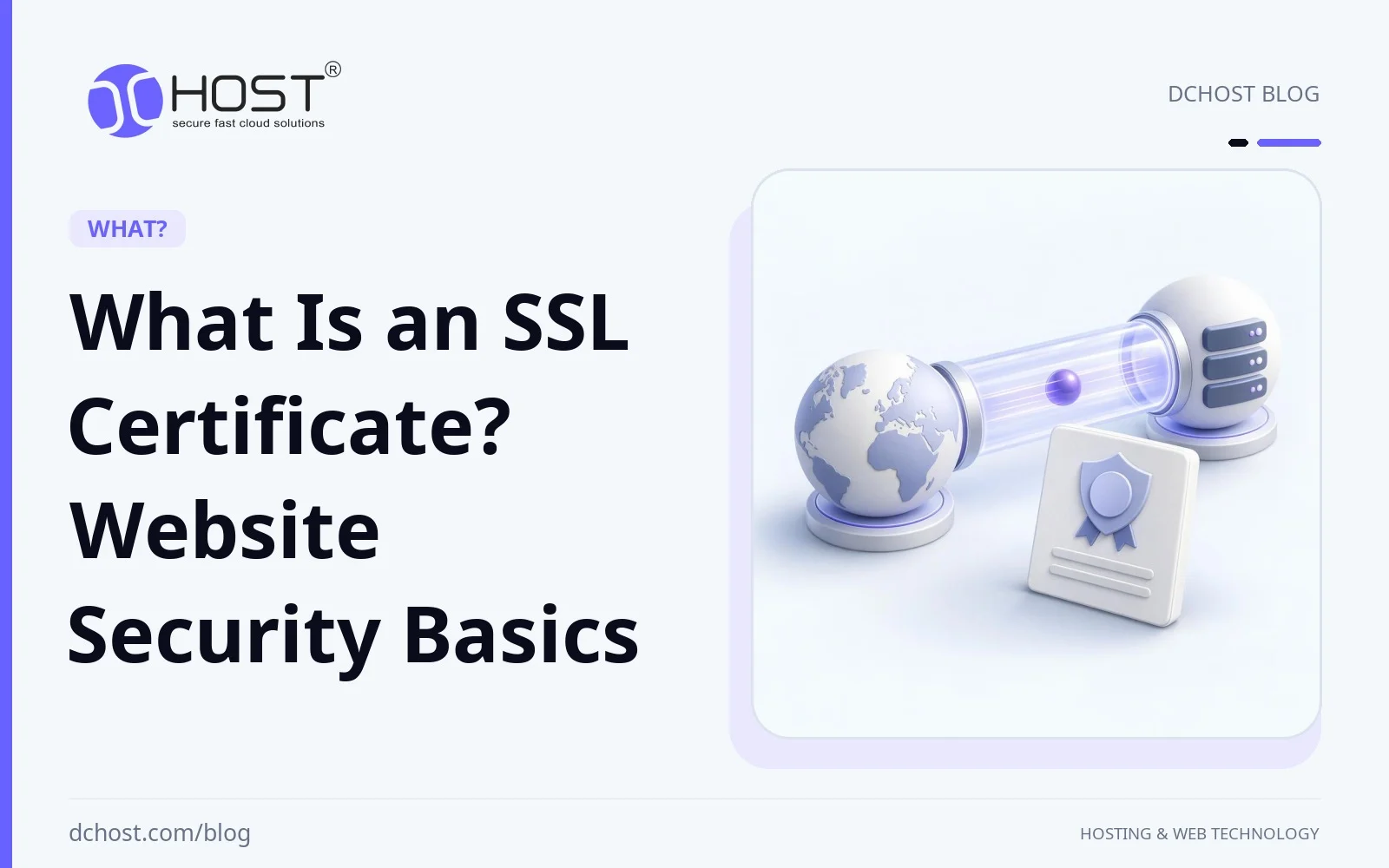
SSL stands for Secure Sockets Layer, an obsolete protocol replaced by TLS (Transport Layer Security). The familiar term SSL certificate now usually refers to a digital certificate used with TLS. It binds a domain name to a public key, helping a browser authenticate the server and establish an encrypted HTTPS connection. HTTPS protects data in transit against eavesdropping and tampering; it does not prove that a website is trustworthy or free of malware. Browser connection indicators vary and do not always include a padlock.
How Does an SSL Certificate Work?
When a browser connects over HTTPS, the server presents its certificate. The browser checks that it covers the requested hostname, is within its validity period and chains to a trusted certificate authority. During the TLS handshake, the server proves possession of the corresponding private key, and the browser and server establish shared secrets from which they derive encryption keys. TLS then encrypts and integrity-protects data in both directions, including submitted passwords and returned pages. This protects the connection, not data stored on the server or information exposed by a compromised browser or website.
Types of SSL Certificates
SSL certificates are offered in different types to suit your site’s needs. Here are the most common types of SSL certificates:
- Domain Validated (DV) SSL Certificate: Confirms control of the domain, not the identity of the organization operating it. DV certificates are often issued through automated checks and can suit blogs, business websites and e-commerce sites that do not require organizational validation.
- Organization Validated (OV) SSL Certificate: Verifies domain control and information about the organization. It can suit businesses that need their organizational identity included in the certificate.
- Extended Validation (EV) SSL Certificate: Requires more extensive checks of the organization’s identity and authority to request the certificate. It does not provide stronger encryption than a comparably configured DV or OV certificate, and modern browsers do not generally display a green address bar for EV.
Ways to Secure Your Website
An SSL certificate is just one way to enhance your site’s security. Let’s explore other steps you can take to further secure your website:
1. Use Strong Passwords
Use a long, unique password for your website’s admin panel and hosting account, ideally generated and stored by a password manager. Enable multi-factor authentication where available. Length and uniqueness matter more than predictable combinations of letters, numbers and symbols. Change passwords when they may have been exposed or compromised, rather than relying on routine rotation alone.
2. Regular Software Updates
Keep your website’s CMS, plugins, themes and underlying server software on supported versions, and apply security updates promptly. Remove unused components to reduce the attack surface. Before major upgrades, back up the site and test compatibility in a staging environment where possible.
3. Implement a Firewall
A network firewall restricts access to server ports and services. A Web Application Firewall (WAF) inspects HTTP traffic and can block many common attack patterns directed at your site. Configure and monitor its rules to limit false positives; a WAF does not stop every attack or replace application security fixes.
4. Ensure Database Security
Protect your database by using parameterized queries rather than building SQL statements from user input. Give application database accounts only the permissions they need, restrict database access to authorized hosts and keep credentials out of public files and source repositories. These measures help reduce SQL injection and unauthorized-access risks.
5. Regular Backups
Back up your website’s files and database regularly, choosing a schedule based on how much recent data you can afford to lose. Keep protected, versioned copies separate from the hosting account and test restoration. Backups support recovery after an attack or technical failure, but recovery time depends on the backup and restore process. After a compromise, address the entry point and select a clean backup before restoring service.
Impact of SSL Certificates on SEO
HTTPS is primarily a security measure. Google has described HTTPS as a lightweight ranking signal, but installing an SSL/TLS certificate does not guarantee higher rankings or increased traffic. If you move an existing site from HTTP to HTTPS, redirect old URLs to their HTTPS equivalents and update internal links, canonical URLs and sitemaps to use HTTPS consistently.
Browsers may mark HTTP pages as “Not Secure” or show other connection warnings, depending on the browser and context. These indicators can affect visitor confidence, but their effect on traffic is not guaranteed. An HTTPS indicator means the connection is protected, not that the website’s content or operator is trustworthy.
Where Can You Obtain an SSL Certificate?
You can obtain an SSL/TLS certificate through a hosting provider’s SSL certificate services or directly from a certificate authority (CA). Let’s Encrypt provides free DV certificates. Paid certificates may offer organizational validation, support or other contractual benefits, depending on the product; paying does not inherently provide stronger encryption. Choose based on the hostnames you need to cover, validation requirements and how issuance and renewal will be managed.
After validating domain control, install the certificate and required intermediate certificates at the endpoint that terminates TLS, such as your web server or CDN, and protect the private key. If a CDN connects to a separate origin server, secure that connection with HTTPS and certificate validation too. Verify HTTPS for every required hostname, fix mixed content such as images or scripts loaded over HTTP, and then redirect HTTP requests to HTTPS. Use supported TLS configurations, automate renewal where possible and monitor expiry and renewal failures; installing a certificate alone does not complete the setup.
Conclusion
An SSL/TLS certificate is a foundation for HTTPS: it helps authenticate your website and protect data exchanged with visitors. Choose the validation type that meets your needs, configure HTTPS correctly and maintain certificate renewal.
HTTPS does not secure every part of a website or guarantee better search rankings. Combine it with strong account security, supported software, appropriate firewall rules, database protections and tested backups to reduce risk and support recovery.