A Content Delivery Network (CDN) can help websites deliver content efficiently to visitors across different regions. This guide explains how CDNs work, when they are useful, and what to consider before adding one to your website.
What is a CDN?
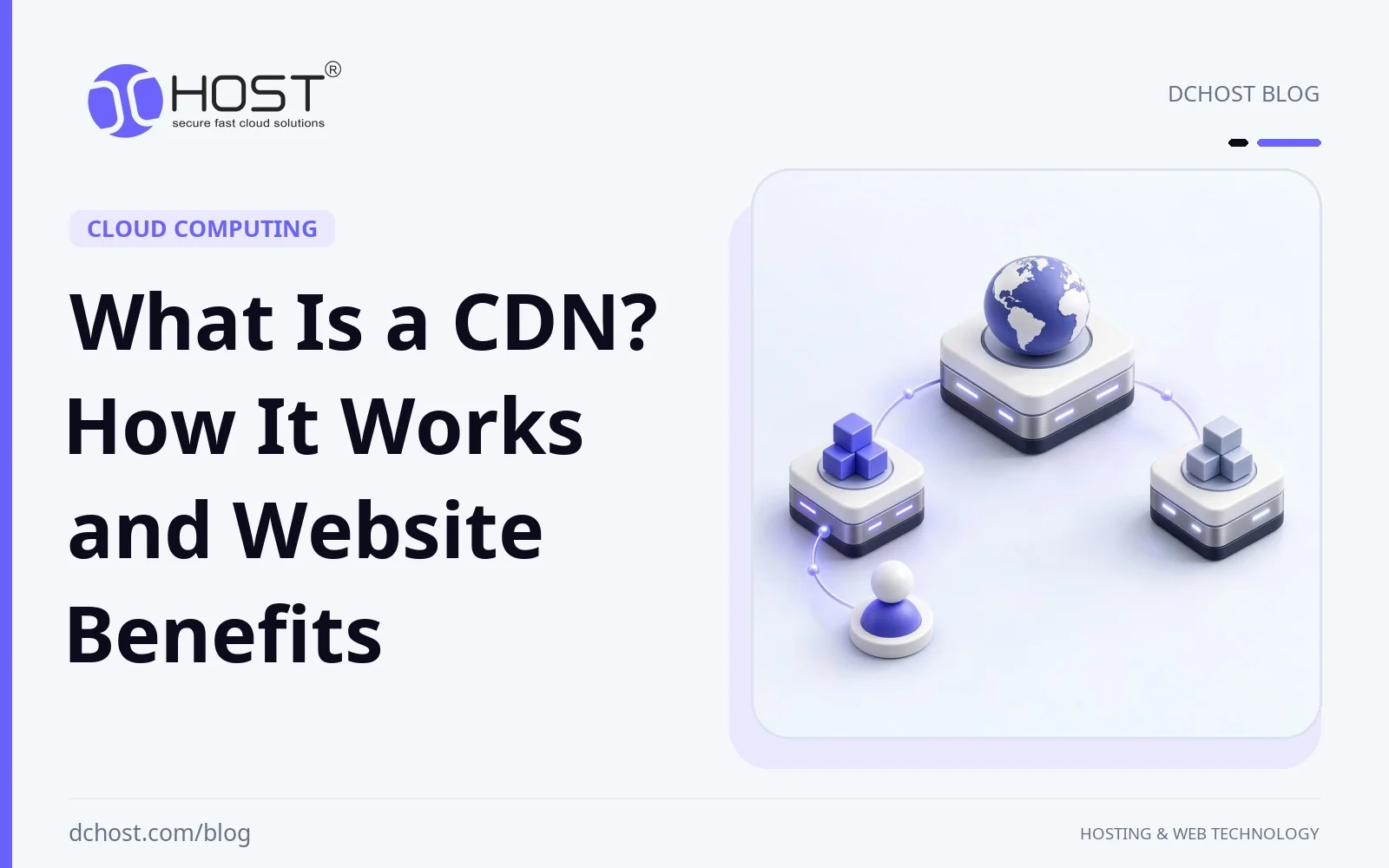
A Content Delivery Network (CDN) is a distributed network of servers that delivers web content such as images, videos, stylesheets, and cacheable HTML. It can reduce delivery time by serving content from an edge location selected for the user’s request. That location is not necessarily the geographically closest one; network conditions, capacity, and routing policies also matter.
Without a CDN, visitors generally retrieve content from the website’s hosting infrastructure, known as the origin, which may consist of one or more servers. A CDN sits between visitors and the origin, serving cached copies of eligible content and forwarding other requests to the origin.
How Does a CDN Work?
A CDN’s core functions include distributing and caching content. Servers at edge locations store eligible responses according to cache rules and serve them to users. Content is not necessarily copied to every location in advance. A typical request follows these steps:
- User Request: A browser requests a resource from a hostname configured to use the CDN, such as the website domain or a separate hostname for static assets.
- Routing to an Edge Location: Mechanisms such as DNS-based routing or anycast direct the request to an appropriate edge location. Selection can reflect network proximity, availability, and load rather than geographic distance alone.
- Content Delivery from Cache: If the edge has a fresh, reusable copy of the requested resource, it returns that copy. On a cache miss, it retrieves the resource from the origin or another cache tier and may store it for later requests. An expired copy may need revalidation or replacement, depending on the cache policy.
- Dynamic Content Delivery: Requests that cannot be safely cached are forwarded to the origin, where the application may query a database and generate a response. Some CDNs can optimize these connections, but improvement is not guaranteed. Personalized pages, account data, and other private responses must not enter a shared cache. Dynamically generated content that is the same for everyone can be cached with appropriate rules.
This process can reduce latency and origin workload, especially when many requests reuse cached content. The effect on page loading depends on cache hit rate, visitor locations, origin performance, and the rest of the page’s resources.
Advantages of Using a CDN for Your Website
CDN offers numerous advantages not only for large websites but also for small and medium-sized websites. Here are the main benefits of using a CDN for your website:
1. Faster Page Loading Times
Loading speed affects how quickly visitors can use a page. A CDN can reduce the time needed to retrieve cacheable resources by shortening network paths and avoiding repeated origin fetches. This is particularly useful for image- and video-heavy sites, but it does not fix oversized assets, slow application code, or browser-side rendering bottlenecks.
2. Potential SEO Benefits
Google’s ranking systems use Core Web Vitals, but good scores alone do not guarantee high rankings. A CDN may help improve loading performance when content delivery is a bottleneck. Choosing a CDN or improving performance does not guarantee better rankings or more organic traffic; relevance, content quality, and other factors still matter.
3. Global Reach
A CDN with suitable regional coverage can reduce delivery delays for visitors far from your origin. For example, an image hosted at an origin in the USA may reach a visitor in Asia faster when a cached copy is served from an edge location in Asia. Actual performance depends on network routes, cache availability, and the provider’s coverage.
4. Resilience Against Traffic Surges
Sudden traffic increases during promotions or viral events can overload a website. By distributing requests across its edge network and serving cache hits without contacting the origin, a CDN can reduce that pressure. Cache misses and uncached requests still reach the origin, so application capacity and database limits remain important; a CDN does not guarantee uninterrupted service during a surge.
5. Protection Against DDoS Attacks
Many CDN providers offer DDoS (Distributed Denial of Service) mitigation, using distributed capacity and traffic filtering to help absorb or block attacks. Coverage varies by provider, plan, and attack type, and no service guarantees availability against every attack. A web CDN generally protects traffic routed through it, not every service on your server. Where appropriate, restrict direct access to the origin so attackers cannot simply bypass the CDN.
6. Reduced Origin Bandwidth Consumption
Serving repeated requests from cache reduces the data transferred from your origin. This may lower origin bandwidth charges, particularly for sites with many reusable assets. Visitors still download the content from the CDN, which may charge for delivery, requests, or optional features. Compare the combined hosting and CDN bill rather than assuming overall costs will fall.
7. Enhanced User Experience
When a CDN reduces loading delays or media buffering, visitors can browse and interact with content more comfortably. This may support engagement and conversions, but outcomes also depend on usability, content, and the audience. Faster delivery alone does not guarantee visitor satisfaction or increased sales.
8. Increased Website Security
Many CDN providers offer managed TLS certificates, commonly called SSL certificates, and optional security controls such as a web application firewall. TLS encrypts the browser-to-CDN connection; configure HTTPS with certificate validation between the CDN and origin as well. These features can strengthen protection, but they do not replace application updates, secure access controls, or correct cache settings.
Considerations When Choosing a CDN
To fully benefit from a CDN, it’s crucial to choose the right CDN provider. Below are the main criteria to consider when selecting a CDN:
- Server Network: Look for strong coverage and connectivity in the regions where your visitors are located. A large global server count alone does not establish how well the CDN will serve your audience.
- Performance: Review provider assessments, but also compare your own representative pages and assets with and without the CDN from relevant regions. Include both cache hits and cache misses; performance varies by workload and configuration.
- Security Features: Check the scope of DDoS mitigation, TLS certificate management, origin certificate validation, and any web application firewall. Confirm which features are included in the plan and which require additional configuration or payment.
- Pricing: Compare delivery and request charges, regional rates, optional features, and any minimum fees. Include origin hosting charges and expected cache hit rate when estimating the combined cost.
- Cache Management: Confirm that cache rules, cache keys, expiry controls, and purge tools suit your application. You should be able to exclude private responses and publish content updates reliably.
Are There Any Disadvantages to Using a CDN?
While there are many advantages to using a CDN, there are some potential disadvantages to be aware of:
- Cost: CDN delivery and optional features can add substantial expense, particularly for bandwidth-heavy sites. Origin savings may not offset those charges.
- Technical Management: Integration may require DNS changes, TLS setup, and application-specific cache rules. Incorrect shared-cache settings can expose private content, so authenticated and personalized responses need particular care.
- Content Updates: Cached copies may remain visible until they expire, are revalidated, or are purged. Choose suitable cache lifetimes, use versioned URLs for changing static assets, and check how quickly purges propagate. CDN purges do not remove copies already held in visitors’ browser caches.
- Additional Dependency: A CDN outage or configuration error can affect access even when the origin is healthy. Monitor delivery and plan how to recover from configuration changes or provider incidents.
Conclusion
A Content Delivery Network can improve delivery of cacheable content, reduce origin workload, and help serve visitors across different regions. Depending on the provider and configuration, it may also add useful security controls and resilience against traffic spikes and attacks.
A CDN is worth evaluating for media-heavy websites, geographically distributed audiences, or workloads that benefit from caching. Choose coverage, cache controls, and security features that fit your application, then compare performance and total costs before deciding whether it meets your needs.