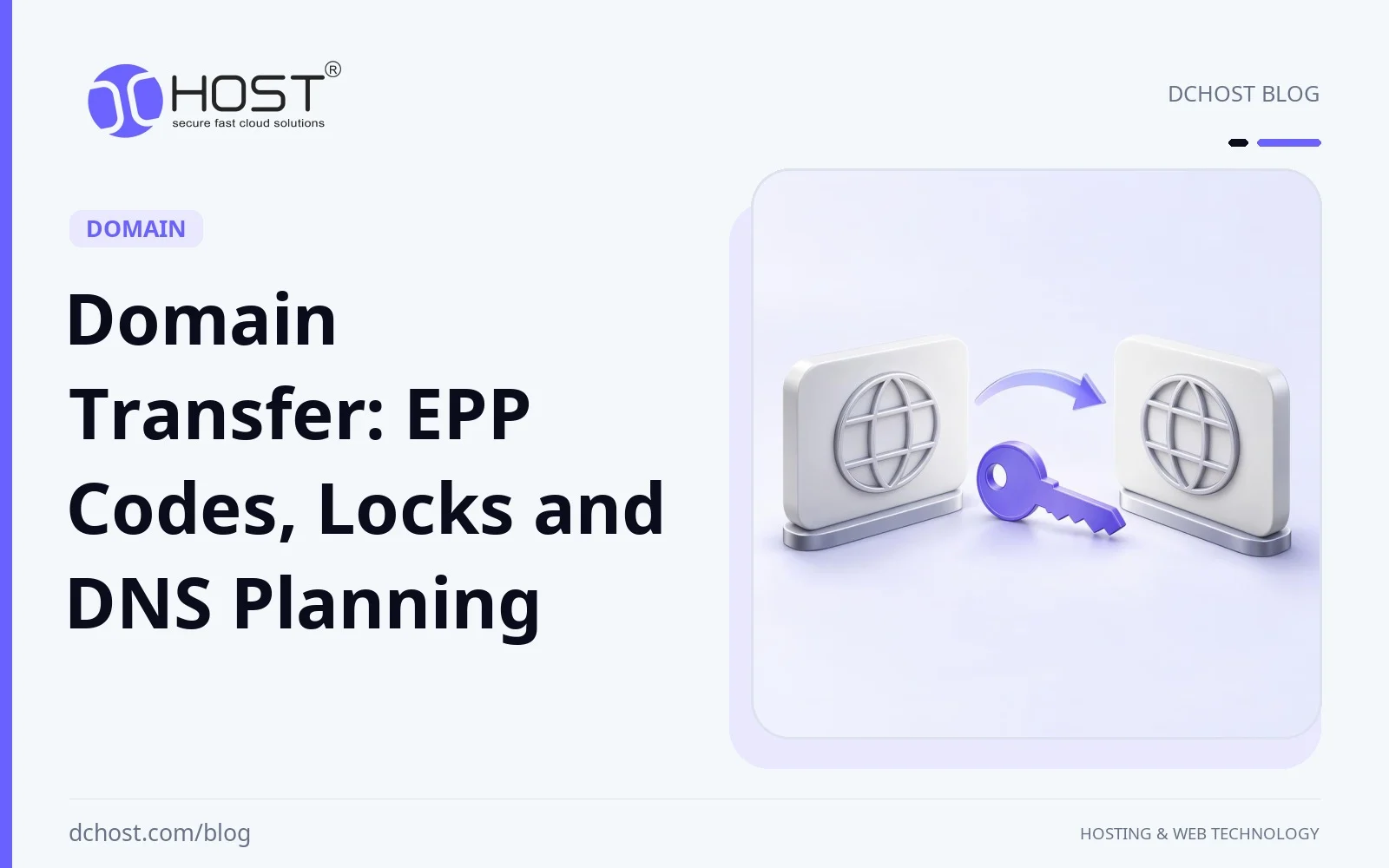
A domain transfer changes the registrar responsible for a domain registration. It does not copy website files, databases or email messages to a new server. Registration, authoritative DNS and hosting are separate services even when one company supplies all three. Identify which services will actually change before requesting an EPP code or altering nameservers.
This domain transfer guide covers EPP/AuthInfo codes, ordinary transfer locks, policy restrictions, approvals and a staged DNS plan. The aim is to reduce interruption risk with checks you can verify. Keeping nameservers unchanged is useful only if the underlying DNS service and associated hosting or mail subscriptions remain active after the transfer.
What a Domain Transfer Changes
Let’s start with a truth that instantly lowers the blood pressure: transferring a domain and moving your website are two different things. When you transfer a domain, you’re moving the domain registration from one company to another—think registrar to registrar. Your website files and your DNS records don’t magically move with it. If your site is hosted somewhere else, it stays there. If your DNS is hosted somewhere else, that stays too—unless you decide to change nameservers or move your DNS as part of the transition.
Think of your domain as a street address. The registrar is the city office that manages that address. Your DNS zone is like the directions people follow to find your house. And your hosting is the actual house. Changing the city office that manages your address doesn’t automatically move your house or your directions. That little insight is the difference between a stress-free transfer and a frantic all-nighter.
Separate the registrar change from any DNS, hosting or email migration. The safest order depends on service dependencies: if the old registrar will discontinue bundled DNS after transfer, arrange continuing DNS first. Inventory the existing configuration before changing it. The DNS records and common mistakes guide explains the record types involved.
EPP (Auth) Code Demystified: The Key to the Gate
The EPP/AuthInfo code is a domain-specific secret used in the transfer process. It is not an encrypted ownership certificate or a password granting full access to the registrar account. Obtain it from the current registrar’s authenticated dashboard or support process and submit it only through the verified receiving registrar. Code retrieval and reset behavior vary; merely viewing a code does not universally replace it.
Verify access to the contact channel recorded inside your registrar account. Public registration data may be redacted and cannot confirm which private mailbox you control. ICANN Lookup/RDAP or the relevant registrar’s data service can help inspect current gTLD registration status. The IANA WHOIS service provides higher-level registry/referral information; it is not a substitute for the account’s contact details or every domain’s detailed status record.
Privacy protection does not automatically need to be disabled for a transfer. Confirm the provider’s actual authorization method first. Do not place the EPP code in public tickets, screenshots or chat logs; request a replacement if it is exposed. For gTLDs covered by ICANN policy, when the relevant self-service facilities are absent, the AuthInfo code and applicable clientTransferProhibited removal must be provided within five calendar days of the initial request, subject to other policy or legal restrictions.
Transfer Locks and the 60-Day Restrictions
An ordinary registrar transfer lock commonly appears as clientTransferProhibited. Remove it when the transfer is ready to start and restore it after completion. A serverTransferProhibited status is controlled at the registry level and needs the appropriate provider process. A dashboard switch does not reveal or remove every restriction, and a transfer lock is different from a hold status that affects DNS delegation.
For gTLDs under the current ICANN policy, a registrar may deny transfer within 60 days of initial registration or within the policy’s specified period after a previous transfer. A material change to the registrant’s name, organization or email can trigger a separate 60-day Change of Registrant lock. If a registrar offers an opt-out, it must be exercised before the change request. Country-code domains can follow different registry rules; confirm the policy for the actual extension.
A contact-change lock cannot be bypassed by toggling the ordinary domain lock off and trying again the next morning. Check recent changes and ask the registrar for the exact restriction and end date. If the current contact email is inaccessible, use the provider’s verified recovery process to correct it and allow for any resulting wait. Keep accurate information rather than avoiding a necessary correction merely to hurry the transfer.
Planning DNS and Hosting Changes Around the Transfer
Separate registration, DNS and hosting into changes with explicit dependencies. The order alone is not enough: continuing services, tested destinations, correct DNSSEC and safe data synchronization must all be verified. Use the following steps for whichever services actually need to move.
Step 1: Decide what actually needs to move
List what will move: registrar, DNS, web hosting, email or a combination. In a registrar-only transfer, preserve existing NS and DS records and confirm the receiving registrar can manage them. Also confirm that the old provider will continue serving the DNS zone and any bundled redirects or mail. Identical nameserver values cannot preserve service if the old account stops answering queries.
Step 2: If you’re changing hosting, copy the site first
For a hosting move, copy the files and database, match runtime versions and extensions, and prepare secrets and configuration at the new host. Protect the test environment from indexing and disable duplicate scheduled jobs, live mail and payment side effects. Review WordPress server-side tuning where relevant, but change performance settings separately from the minimum migration requirements so problems remain diagnosable.
Step 3: Lower DNS TTL ahead of time
Lower the TTL of records that will change early enough for the previous TTL to expire. The new value does not clear answers already cached by resolvers. Negative caching and serve-stale behavior can also affect the transition. An A-record TTL does not control parent-zone NS or DS TTLs. Use the DNS record guide to distinguish these caches, and restore normal TTLs after the migration is stable.
Step 4: Test on the new host as if traffic were live
Test the new host using the production hostname mapped only on a test machine, with correct TLS and application routing. A temporary hostname alone may miss cookie, callback, redirect or certificate behavior. Exercise login, forms, search, uploads and a sandbox checkout. Keep the clone access-controlled and suppress real customer email, payments, webhooks and scheduled jobs until the designated cutover.
Step 5: Cut over during a quiet window and keep the old site warm
Before changing traffic, stop or coordinate writes, complete the final database and upload synchronization, and designate one authoritative writer. Change the intended DNS records during a staffed window. Cached clients may still reach the old server, which must not accept an independent set of orders or updates; use a validated forwarding/proxy arrangement or controlled read-only mode. Retain a recoverable old environment until measured traffic, caches and application checks justify retirement.
Step 6: Monitor like a hawk
Monitor both old and new access/error logs, DNS answers from representative networks, mail flow and key application transactions. A quiet log on one server does not prove every cache worldwide has expired. Compare results with the agreed completion and rollback criteria. The broader uptime and availability guide explains why DNS reachability alone does not establish that the application works.
Nameservers, Zone Records and DNSSEC
Keep the current DNS provider during a registrar-only transfer when its continuing service and DS management are confirmed. Record the nameservers, parent DS records, zone contents and any custom nameserver/glue dependencies before starting. Transferring registration does not automatically move or back up a DNS zone. If the provider ties DNS service to the outgoing registration, plan that dependency before initiating the transfer.
For a DNS-provider change, recreate application, mail, verification, SRV and CAA records and check the new provider’s supported syntax; provider-managed SOA/NS records and special aliases may differ. DNSSEC does not always need to be disabled: cooperating operators may support a coordinated signed rollover. If using a temporary insecure transition, remove the parent DS first, verify removal and wait out the old DS cache lifetime while retaining the old signed service. Then make the incompatible key/nameserver change. Publish the new DS only after the new signed zone and delegation are verified. Validation protection is absent during that gap. The DNSSEC guide explains the trust chain.
Anycast and automatic failover are separate availability mechanisms. They do not remove registrar restrictions, repair an invalid DS chain or synchronize a database during migration. The Anycast DNS and failover guide helps distinguish authoritative DNS resilience from selecting a healthy application destination.
Email Pitfalls (And How Not to Fall In)
Email has a way of being the quiet saboteur of a smooth transfer. If your email domain is the same one you’re transferring and you use that email to receive registrar confirmations, make sure that mailbox won’t go dark mid-transfer. If you’re changing MX records or moving to a new email provider, plan that change separately and confirm you can still receive emails from both registrars during the move.
Preserve the MX targets, their address records, SPF policy, DKIM selectors and DMARC record when moving DNS. These authentication mechanisms contribute to delivery decisions but do not guarantee an inbox placement. Do not delete an unfamiliar TXT record without identifying its owner and purpose. For the surrounding checks, see the SPF, DKIM, DMARC and rDNS guide.
If mail is hosted on the old web server, treat the mailbox migration explicitly. Provision accounts, synchronize existing messages, preserve access and continue monitoring old and new inbound queues during the transition. MX changes do not copy mail already received, and changing rDNS does not move a mailbox. The actual sending-IP provider controls reverse DNS; align that separately if outbound mail infrastructure changes.
Timing, Approvals, and What to Expect While You Wait
After submission, follow the receiving registrar’s authorization steps and the current registrar’s notifications. Some providers offer an early approval option; the same pair of confirmation emails is not universal. Under the applicable ICANN flow, if the old registrar does not reject the registry-notified request within five calendar days, default approval applies. This is not a guaranteed total duration measured from checkout, and eligibility or recovery steps can add time.
Schedule the transfer well before expiry so code, contact or policy issues can be resolved. Expiry alone is not automatically a valid transfer denial, but deletion/redemption status, previous-period nonpayment and other restrictions may require action. Confirm the actual registry status and provider process. A registrar-only transfer should be verified through completion notices and registration data as well as live DNS, website and mail checks.
Follow the current version and implementation links from ICANN’s Transfer Policy page; a legacy page date is not the full current rule set. A normal covered transfer adds one year without extending the total remaining registration term beyond ten years. Check ccTLD terms and any recent automatic-renewal accounting with the providers, then verify the resulting expiry date and invoice.
Three Transfer and Migration Scenarios
The following are planning examples, not reports of measured customer outcomes. In each case, record who owns the change, the dependencies that must remain available and the evidence needed before the old service can be retired.
Registrar only: confirm eligibility, ongoing DNS service, current NS/DS values and account access. Remove the applicable ordinary lock, obtain the current code and start the transfer. Complete the required authorization, verify the final registrar and expiry date, and restore the transfer lock. Leave web and mail records unchanged unless a separate migration requires changes.
Hosting migration with unchanged DNS provider: build and test the destination, lower only the relevant TTLs in advance, and plan final data synchronization. Coordinate one writer before switching A/AAAA or the supported alias target. Keep the old endpoint safe for cached traffic. Rollback needs a data plan after new writes; simply restoring an old IP can expose stale or divergent data.
New DNS provider: prepare a complete zone and verify records directly at the new authoritative service before delegating traffic. Decide whether DNSSEC will use a coordinated signed rollover or a controlled temporary insecure transition. Account for parent DS and NS caches, preserve the old service during overlap, and check mail, subdomains and certificate automation after the switch.
Security Notes You’ll Thank Yourself For
Restore the ordinary transfer lock after completion and verify two-factor authentication, recovery access and renewal settings in the new account. Remove unnecessary stored copies of the EPP code; request replacement through the registrar if exposed. Preserve or re-establish the correct DNSSEC chain according to the chosen plan. A registrar change does not itself invalidate an existing TLS certificate, but a DNS or hosting change can break its renewal path.
Check CAA policy, the certificate served at the destination and any HTTP-01 or DNS-01 automation. DNS-01 may require new API credentials or challenge delegation. HTTP security headers are another separate application layer; the HTTP security headers guide can inform a later change, with testing and maintenance as the application evolves.
Common Gotchas and How to Dodge Them
Common planning gaps include losing the mailbox used for registrar notifications, overlooking a contact-change lock, omitting an API or mail subdomain, and assuming an ordinary unlock removes a registry restriction. Record the actual status and provider explanation. Another error is disabling signing while an old parent DS is still cached: DNSSEC changes must follow the selected rollover or insecure-transition sequence.
Domain registration transfer does not copy files, databases or mail. Avoid combining unrelated changes in an unstaffed window, and monitor DNS, service errors and application outcomes separately. Keep recovery copies and a written rollback decision. The availability guide provides context for measuring the service that users actually need.
FAQ-Style Clarifications as We Go
Must privacy be disabled? Not automatically; verify the registrar’s supported authorization channel. What if the code fails? Check that it matches the domain and is current, inspect eligibility/status restrictions, and ask the issuing registrar to regenerate it if appropriate. A new code does not bypass a court, dispute, registry or Change of Registrant restriction.
Can nameservers stay the same? Yes, if the DNS service will remain active and the destination registrar preserves the needed delegation and DS management. For custom nameservers, confirm the registry host/glue records and IP addresses through the provider. How long should you wait? Use the actual registry/registrar status and policy phase rather than a universal promise of same-day completion.
A Simple Checklist You Can Keep Handy
Before starting, verify account/contact access, registration and last-transfer dates, contact changes, restrictions and expiry. Confirm continuing DNS service and capture NS/DS/zone data. Obtain the EPP code securely, remove only the applicable lock and submit the transfer with the required authorization. For separate hosting or DNS changes, prepare and test the destination, account for previous TTLs, and define the DNSSEC and final data-synchronization plan.
After the change, verify registrar status, expiry, DNS, web, mail and certificate renewal. Restore the ordinary transfer lock and confirm account protections. If rollback is needed, coordinate writes and synchronize data before directing traffic back; DNS reversal is neither immediate nor a data restore. Keep the tested recovery copy, changes and operator responsibilities documented.
After the Move: Little Touches That Pay Off
Review only records confirmed obsolete, and verify mail authentication against the actual mail providers. If hosting moved, ensure scheduled backups cover the new location and test recovery into an isolated environment. CDN adoption should be a separate decision based on the audience and application; the CDN introduction explains that layer without making it a requirement for a domain transfer.
If you changed registrars because you’re consolidating management or seeking better support, set reminders for your renewal dates and make sure you have two-factor authentication enabled. Keep a clean internal note with the registrar account owner, recovery methods, and any emergency contacts. Future you will thank present you.
Worked Examples: Dependencies That Change the Plan
Imagine a subscription service changing registrar and hosting. If its DNS is independent and continuing, it can transfer registration first, verify NS/DS preservation, and then test a hosting copy. Before the web cutover, it coordinates subscriptions, queues and scheduled jobs, synchronizes the final data and establishes one writer. The sequence is a plan to verify, not a promise of faster pages or an invisible transition.
In a second example, a new DNS provider signs with a different key while the parent still publishes the old DS. Validating resolvers can fail even when direct authoritative queries look correct. Restore a valid chain or follow the planned DS removal and cache-expiry process before incompatible changes; do not promise recovery within an hour. Check the parent record, DNSKEY/RRSIG data and validating resolution together.
A third example is a registrar notification mailbox hosted on the mail service being moved. Prepare mailbox access and message synchronization before altering delivery, and retain the old service during overlap. If contact access is already lost, use verified account recovery and allow for any contact-change restriction. Simply replacing the registrant email mid-transfer is not a universally immediate fix.
Completing a Verified Domain Transfer
A completed transfer means more than seeing the domain in a new dashboard. Verify registry/registrar completion, the expiry date and restored lock; confirm that DNS, HTTPS, mail and relevant subdomains still behave as intended. Registration, DNS delegation and hosting each have their own checks. Keep any data or DNS rollback plan available until the separate migration is stable.
Use a staffed window, explicit dependencies and measurable completion criteria. Retain old services for the required overlap without allowing independent writes. Broader resilience planning can follow once the transfer is stable; Anycast DNS and automatic failover address different failure modes and still require healthy destinations and consistent data.
Keep the final configuration, expiry/renewal settings, account owner and recovery contacts in a maintained operational record, without storing the transfer secret in ordinary notes. If a step stalls, ask the registrar for the exact status, applicable rule and next action. A documented, verified sequence makes the transfer easier to operate and later changes easier to assess.