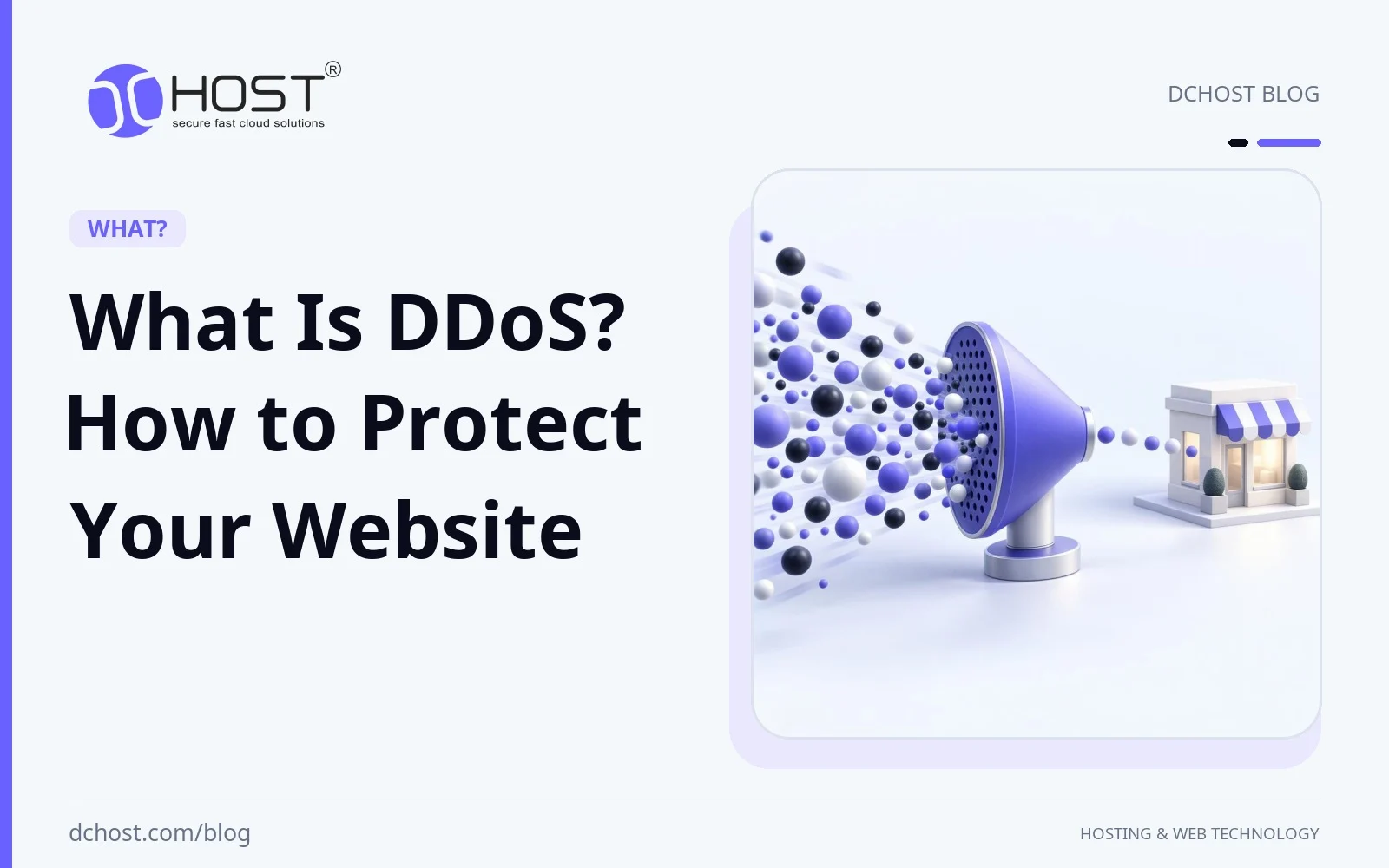
A distributed denial-of-service (DDoS) attack can slow down your website or make it unavailable to legitimate visitors. This guide explains how these attacks work, the main attack types, and how hosting protection, traffic filtering, and response planning can reduce disruption.
What is DDoS?
DDoS (Distributed Denial of Service) is a cyber attack that uses multiple sources to overwhelm a website, server, or network. It aims to exhaust bandwidth, connection capacity, or application resources so legitimate users cannot access the service reliably.
An attack may cause slow responses, errors, or a complete outage; it does not always make the target inoperable. Availability is particularly important for services such as e-commerce websites, where disruption can interrupt purchases.
How Does a DDoS Attack Work?
DDoS attacks often use a botnet: a network of compromised devices controlled by an attacker. These may include computers, smartphones, servers, and IoT devices such as connected cameras or smart home equipment.
Other attacks use reflection and amplification. Attackers send requests with the victim’s spoofed IP address to third-party services, which send their replies to the victim. These services need not be compromised; in amplification attacks, their replies are larger than the requests.
Attack traffic can saturate a network link, exhaust connection-handling capacity, or consume application resources. Not every DDoS attack needs a large volume of data: repeated resource-intensive requests can also disrupt a website.
There are several different types of DDoS attacks:
- Volume-based Attacks: These flood network links with traffic, leaving insufficient bandwidth for legitimate users. UDP floods and some reflection-and-amplification attacks fall into this category; the server itself need not crash.
- Protocol Attacks: These exploit network protocol behavior to exhaust connection tables or packet-processing capacity on servers and network devices. A SYN flood, for example, can consume resources used to track incomplete TCP connections.
- Application Layer Attacks: These overwhelm website functions with requests, such as repeated HTTP requests to expensive search or login endpoints. They can use normal application behavior and do not require a software vulnerability.
How Can You Protect Your Website from DDoS Attacks?
DDoS defense requires layers that address different attack types. The following measures can reduce the likelihood and impact of an outage, but none guarantees uninterrupted availability against every attack:
1. Choose a Good Hosting Provider
When choosing a hosting provider, ask what DDoS mitigation is included in your specific plan. Check which network and application attacks it covers, how mitigation is activated, any limits or extra charges, and how to reach support during an incident. Do not assume that every hosting plan includes the same protection.
Upstream filtering matters: once attack traffic saturates your server’s internet connection, rules on the server alone cannot restore that connection’s capacity. Ask whether the provider can filter traffic before it reaches the bottleneck and whether its response may temporarily block all traffic to the affected IP address.
2. Use a DDoS Protection Service
Specialist DDoS protection services can detect and filter attack traffic before it reaches your infrastructure. Examples include offerings from Cloudflare, Akamai, and AWS Shield. Coverage, deployment requirements, and supported resources vary by service and plan; network-layer protection and HTTP application protection are not interchangeable.
For a reverse-proxy service, ensure that website traffic actually passes through it. Where supported, restrict direct web access to the origin server to the proxy’s documented source ranges or use authenticated origin connections, while retaining necessary administration and service access. Otherwise, attackers who discover the origin IP address may bypass the proxy. Confirm that your authoritative DNS service also has appropriate resilience.
3. Utilize a Load Balancer
A load balancer distributes incoming traffic across multiple servers, which can improve resilience when the backend servers have spare capacity. It does not inherently distinguish attack traffic from legitimate requests, and an attack can still overwhelm the load balancer, all backends, or their shared network connection. Use load balancing alongside upstream filtering and appropriate request limits, not as a substitute for DDoS mitigation.
4. Implement a Web Application Firewall (WAF)
A Web Application Firewall (WAF) inspects HTTP and HTTPS requests and can block or challenge requests that match configured rules. Combined with rate limiting and bot controls, it can help mitigate application-layer DDoS attacks. Apply limits carefully to resource-intensive endpoints and monitor rejected requests so legitimate visitors, including users sharing an IP address, are not unnecessarily blocked.
A WAF does not by itself protect against every attack. It cannot resolve an upstream bandwidth flood, and attacks that resemble normal requests may require additional tuning or specialist mitigation.
5. Use a CDN (Content Delivery Network)
A CDN serves cacheable content from distributed edge locations, reducing requests to your origin server and potentially improving load times. A CDN with DDoS mitigation can also absorb and filter some attack traffic across its network, subject to the service’s coverage and capacity.
Dynamic or uncached requests may still reach the origin, and a CDN does not automatically protect services outside its traffic path. Configure caching appropriately, avoid caching private responses, and combine the CDN with origin access restrictions and application-layer controls.
6. Employ Traffic Monitoring and Analysis Tools
Use traffic monitoring tools to establish normal patterns and alert on unusual bandwidth use, request rates, active connections, response times, errors, and resource consumption. Tools such as Nagios, Zabbix, and SolarWinds can support monitoring when configured with suitable metrics and alerts. External availability checks help identify failures even when the server is unreachable.
A traffic spike alone does not prove a DDoS attack, and some application-layer attacks may not produce a large bandwidth spike. Compare network metrics, web logs, and protection-service events to distinguish attacks from legitimate demand or application faults. Monitoring detects problems; it does not filter attack traffic by itself.
7. Prepare an Emergency Plan
Prepare an emergency plan before an incident. Record who can activate mitigation, how to reach your hosting and protection providers, which services are critical, and how to communicate with users through a channel independent of the affected website. Ensure the team can access the plan and provider accounts during an outage.
During a suspected attack, record the start time, affected services, and relevant metrics or logs; contact the provider promptly if the network connection is saturated. Apply pre-agreed filtering or rate limits, check whether legitimate users can still access the site, and keep a rollback path for rules that block valid traffic. Rehearse the response process and review the incident afterward to improve coverage and thresholds.
Effects of DDoS Attacks
DDoS attacks can slow down a website or make it inaccessible, potentially causing financial losses. For an e-commerce site, disruption may interrupt purchases, increase support demand, and damage customer trust. The impact depends on the duration, timing, and scope of the outage; mitigation or traffic-related charges may also apply depending on the service plan.
A DDoS attack primarily targets availability and does not by itself demonstrate a data breach. However, attackers may use the disruption to distract responders from other malicious activity, so continue monitoring for unauthorized access and other security events during the incident.
Conclusion
Effective DDoS defense combines upstream network mitigation with application-layer filtering, appropriate caching, and sufficient capacity. Load balancers, WAFs, and CDNs have different roles and limitations; choose them according to the services you need to protect.
Confirm your provider’s coverage before an incident, monitor availability and traffic patterns, and maintain a response plan with clear escalation contacts. These steps can reduce disruption and support recovery, but no setup guarantees protection against every DDoS attack.