A VPN (Virtual Private Network) can help protect your internet connection, but its privacy benefits have limits. This guide explains what a VPN does, how it works, when it is useful, and what to check before choosing a service.
What is a VPN?
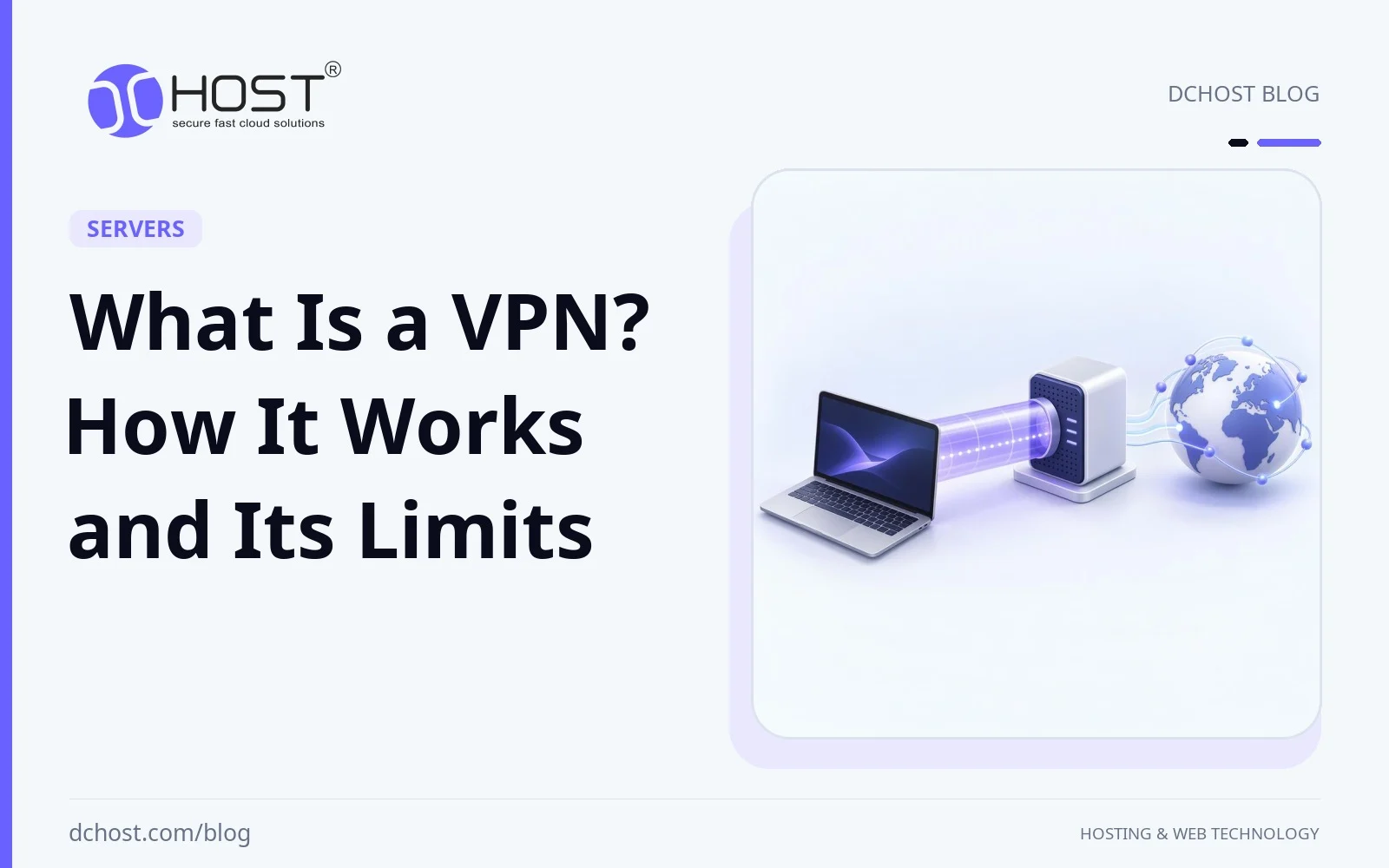
A Virtual Private Network (VPN) creates an encrypted connection, often called a tunnel, over an existing network such as the internet. Businesses use VPNs to connect remote users or offices to private networks. Consumer VPN services typically route internet traffic through a provider’s server; this article focuses on that use.
For traffic routed through a consumer VPN, websites generally see the VPN server’s public IP address instead of your connection’s public IP address. This can change your apparent location and reduce exposure to local network monitoring, but it does not make you anonymous or guarantee access to geographically restricted content.
How Does a VPN Work?
A consumer VPN protects traffic routed through its encrypted tunnel. A typical connection works as follows:
- Connection Establishment: The VPN app authenticates the connection and establishes an encrypted tunnel to a VPN server using a VPN protocol.
- Data Encryption: Traffic selected for the tunnel is encrypted between your device and that server. Your internet service provider and local network operator can usually see that you are communicating with a VPN server, along with timing and traffic volume, but not the contents carried inside the tunnel. Split tunneling deliberately leaves some traffic outside it.
- IP Substitution: For internet traffic leaving through the VPN server, destinations generally see the server’s public IP address. This does not hide your identity from services you log into, or prevent identification through cookies and browser fingerprinting.
- Forwarding to the Destination: The VPN server removes the tunnel encryption and forwards traffic onward. HTTPS provides separate encryption between your browser and the website; without it, content may be exposed beyond the VPN server. The VPN operator can potentially observe destination information and any unencrypted content.
Benefits of Using a VPN
Using a VPN provides numerous security and privacy benefits. Here are the most important advantages of using a VPN:
1. IP Privacy and Its Limits
When traffic and DNS requests travel through the VPN tunnel without leaks, a VPN reduces what your internet service provider and local network operator can learn about your browsing destinations. It also hides your connection’s public IP address from the websites reached through it. Trust shifts toward the VPN provider, however, and websites can still track you through accounts, cookies, and other identifiers.
2. Data Encryption
A VPN encrypts traffic carried through its tunnel, protecting it from inspection or modification on the local network and the path to the VPN server. For banking and other sensitive transactions, HTTPS remains essential: it protects the connection to the website beyond the VPN server as well. A VPN adds a layer of network protection rather than replacing HTTPS.
3. Overcoming Geographical Restrictions
Some content is available only in certain regions. Routing traffic through a VPN server in another country may change the region inferred from your IP address. However, services such as Netflix may detect or block VPN connections, and availability can also depend on account settings or other location signals. Access is not guaranteed; check the service’s terms and applicable local rules.
4. Secure Wi-Fi Use
On public Wi-Fi, a VPN can reduce exposure to monitoring by other network users or the network operator for traffic carried through the tunnel. It does not make a malicious hotspot harmless, stop phishing, or protect a compromised device. Continue using HTTPS, keep your device updated, and verify the network you join.
5. Access Under Network Restrictions
A VPN may help bypass some network-level blocks by routing traffic through a server outside the restricted network. Networks and governments can also block VPN connections or detect their use. A VPN does not prevent all surveillance or guarantee safe access to censored content; legal restrictions and personal risks vary by location.
Considerations When Choosing a VPN
Not every VPN service offers the same level of security and privacy. Here are the main criteria to consider when choosing a VPN:
1. Strong Encryption
Look for a maintained VPN app using modern protocols such as WireGuard, OpenVPN, or IKEv2/IPsec with secure configurations. AES-256 is one strong encryption option; WireGuard uses ChaCha20-Poly1305 instead. A cipher name alone does not establish security: protocol configuration, authentication, and timely software updates also matter.
2. No-Logs Policy
Read what the provider actually collects and how long it retains it. A “no-logs” policy may refer to browsing activity while still allowing account, billing, diagnostic, or connection data. Independent audits can provide supporting evidence, but their scope and date matter; they do not guarantee future behavior. Consider the provider’s ownership, jurisdiction, and transparency as part of your decision.
3. Server Locations
Choose a provider with server locations relevant to your needs. Nearby servers may offer lower latency, while servers in other regions can change your apparent IP location. A large server count alone does not establish performance or access to restricted content. Check whether advertised locations are physical or virtual, as the server’s actual location may differ from its IP-based location.
4. Speed
VPN performance depends on the distance to the server, routing, server load, protocol, and your device and internet connection. Encryption and an indirect route can reduce throughput or increase latency, sometimes noticeably. If a trial or refund period is available, compare browsing, calls, and downloads on your own connection rather than relying only on advertised speed claims.
5. Device Support
Make sure the service supports your computers, smartphones, and tablets, and check any simultaneous-connection limits. Features can differ between operating systems. Look for a kill switch that blocks traffic if the VPN drops, and check how the app handles DNS and IPv6 to prevent traffic from unintentionally bypassing the tunnel. Review split-tunneling settings so you know which apps or destinations are excluded.
Are There Any Disadvantages to Using a VPN?
Although VPNs offer many advantages in terms of security and privacy, there are some disadvantages:
- Connection Speed: Encryption and routing through a VPN server can reduce throughput and increase latency. The impact varies and is not always slight.
- Provider Trust and Cost: Free services may have data limits, restricted features, or business models involving advertising or data collection. Paid services are not automatically trustworthy either. Review permissions, security practices, privacy policies, and how the provider funds the service.
- Service Compatibility: Some websites block VPN addresses or request extra verification. A VPN can also interfere with access to local devices unless routing settings allow it.
- Legal Restrictions: VPN use is banned or restricted in some countries. Check current local rules before use; a VPN does not make otherwise unlawful activity legal.
The Importance of VPNs in Secure Internet Usage
A VPN is particularly useful when you want to reduce local network monitoring, route traffic through another network, or connect to an organization’s private resources. On public Wi-Fi, it adds protection for tunneled traffic. For sensitive transactions, HTTPS still provides the essential encrypted connection to the legitimate website.
Whether you need a VPN depends on your purpose and whom you want to protect your traffic from. It shifts some trust from your internet service provider to the VPN operator rather than eliminating the need for trust. Strong authentication, software updates, and caution with suspicious links remain important whether or not you use a VPN.
Conclusion
A VPN protects traffic between your device and a VPN server and changes the public IP address seen by destinations reached through it. It can improve privacy from local network observers, but it does not provide anonymity, stop all tracking, or guarantee access to blocked content. Choose a service based on its security practices, data handling, device support, and performance for your needs.