2005
The beginning of DCHost’s hosting activity.
About DCHost
The DCHost brand has been active in hosting since 2005. We provide web hosting, virtual and physical servers, and domain services for customers building and operating online projects.
Let’s talk about your project 2005 — 2026
Our services
A business website, a growing application and a server operated by your own team have different requirements. Compare the resources and administration scope of each service, then choose the support your project needs.
The beginning of DCHost’s hosting activity.
Hosting accounts for websites, email and databases.
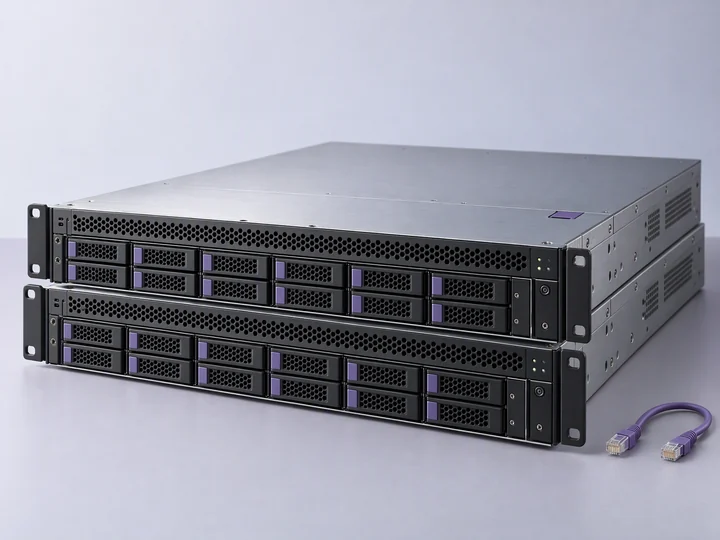
Virtual and physical server options for application workloads.
Resources and location
Compare CPU, memory, storage and network allowances for the selected plan. Choose the deployment location with the configuration. On virtual servers, the stated shared hypervisor uplink is not a dedicated connection for every VM. Compare virtual servers or physical servers.
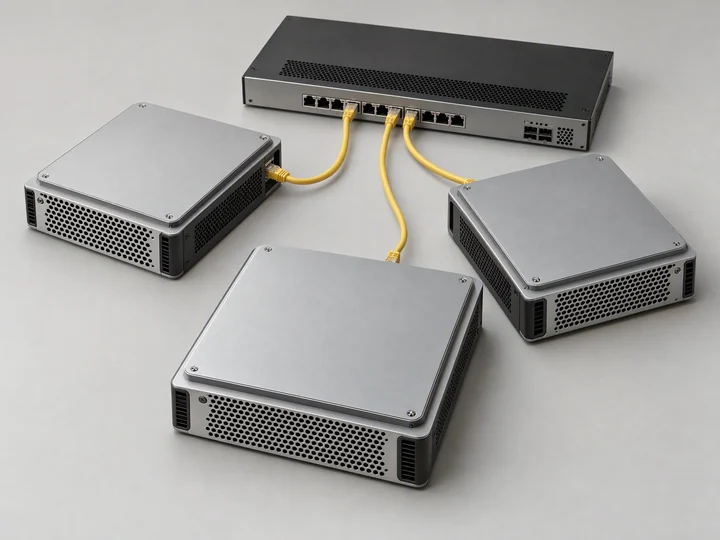
Administration
With a self-managed server, you administer the operating system and installed applications. For help with ongoing administration, review our managed server options and agree the covered software, maintenance and recovery tasks for your service.

Technical support
Technical support is available 24/7. Open a support ticket with the service identifier, the time of the issue and relevant errors. Our English documentation covers account tasks, migration, backups and renewals.
Choose a location and measure your connection’s latency.
Results depend on your internet provider, connection type and current network conditions.
Working with DCHost

Compare web hosting, virtual servers and dedicated servers against the resources and control your application needs.

Find your service, billing and support requests in the customer portal. Review the selected billing period, extras and taxes before payment.

Prepare your data, test the new environment and arrange DNS changes. Follow the migration checklist and discuss assisted transfer scope with support.
Before your order
